Tile calculator / Make the pieces fit
Turn measurements
into a tile plan.
From the area you want to cover to the tiles you need to order. Understand the steps between the two.
Details first
Your space.
Your tiles.
Your choices.
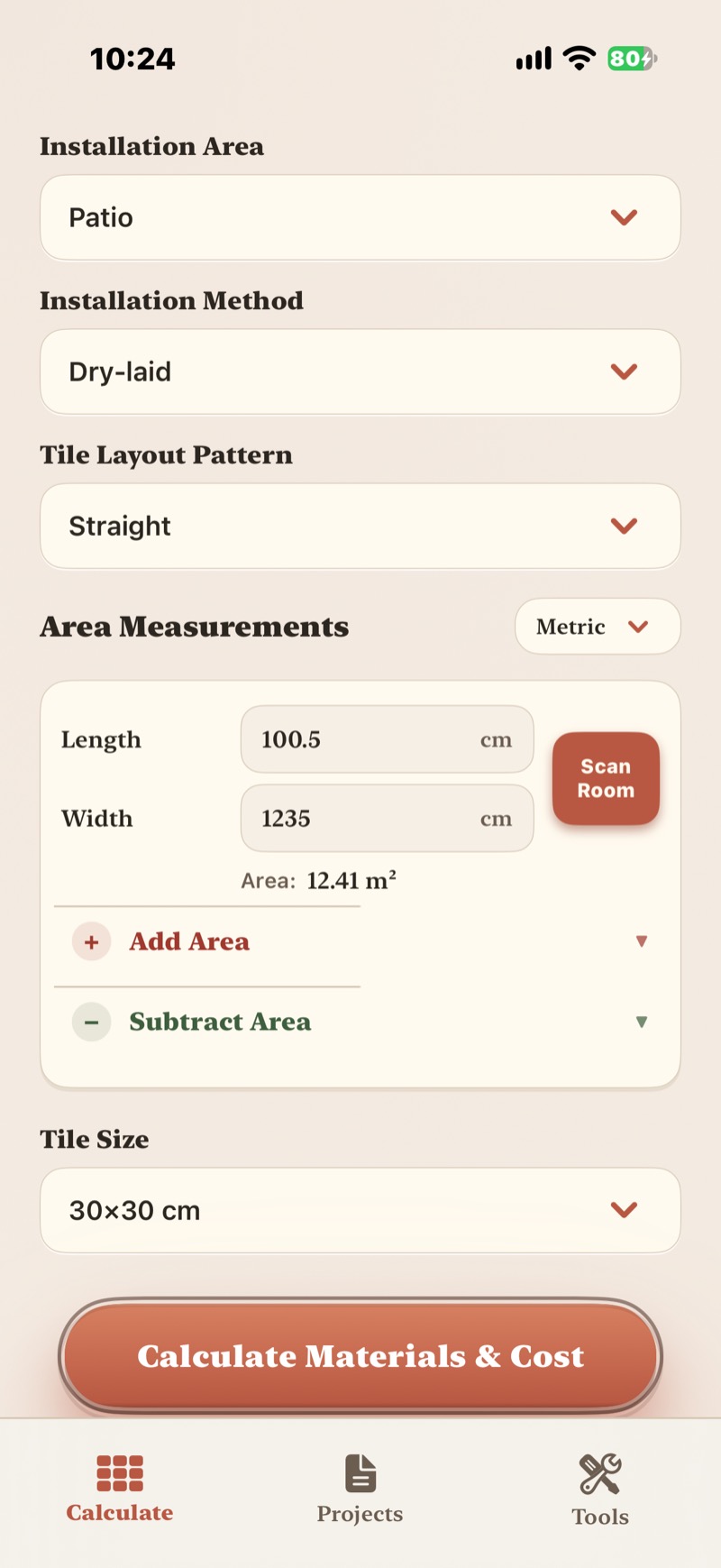
Start with the installation area. Enter measured dimensions, account for additional or excluded sections, and keep the measurement units consistent.
- Check floor and wall areas separately.
- Use the tile dimensions you are buying.
- Review the tile layout before allowing extra tiles for cuts and breakage.
- Check pack quantities before purchasing.
An illustrative hand calculation
From area
to tile quantities.
A simplified planning example, not a claim about the app’s internal algorithm.
Assumptions
12 m² of floor.
600 × 600 mm tiles.
- One tile covers
- 0.6 × 0.6 = 0.36 m²
- Area-only requirement
- 12 ÷ 0.36 ≈ 33.33 tiles
- Round up to whole tiles
- 34 tiles, without extra tiles for cutting and breakage
- Illustrative tile loss percentage: 10%
- 12 × 1.10 = 13.2 m²
- Tile quantity including the extra 10%
- 13.2 ÷ 0.36 ≈ 36.67 → 37 tiles
- If sold as 4 tiles per box
- 37 ÷ 4 = 9.25 → 10 boxes
10% is an example assumption, not a universal recommendation. Whole-box purchasing here means 40 tiles. Check the actual package coverage, layout, cuts, spare requirement and product dimensions.
An area count is only the beginning.
Tile geometry, pattern, obstacles and edge cuts can change what is practical to buy. Packaging can also differ from a nominal size calculation. Use the manufacturer’s pack information and a reviewed layout for the final order.