Consumption.
The amount of material the job is expected to use. It depends on the area, installation choices and the product’s applicable coverage instructions.
 TileVero.
Get in touch
Materials & cost / Beyond a price per tile
The tiles are only
part of the picture.
Bring material quantities and local prices together. Separate what the job is expected to consume from what you need to purchase, then check the details before committing.
Viewing the full cost result is free. Editing material quantities and unit prices on the result screen requires an active Pro subscription. See pricing and subscription details.
Review the checklist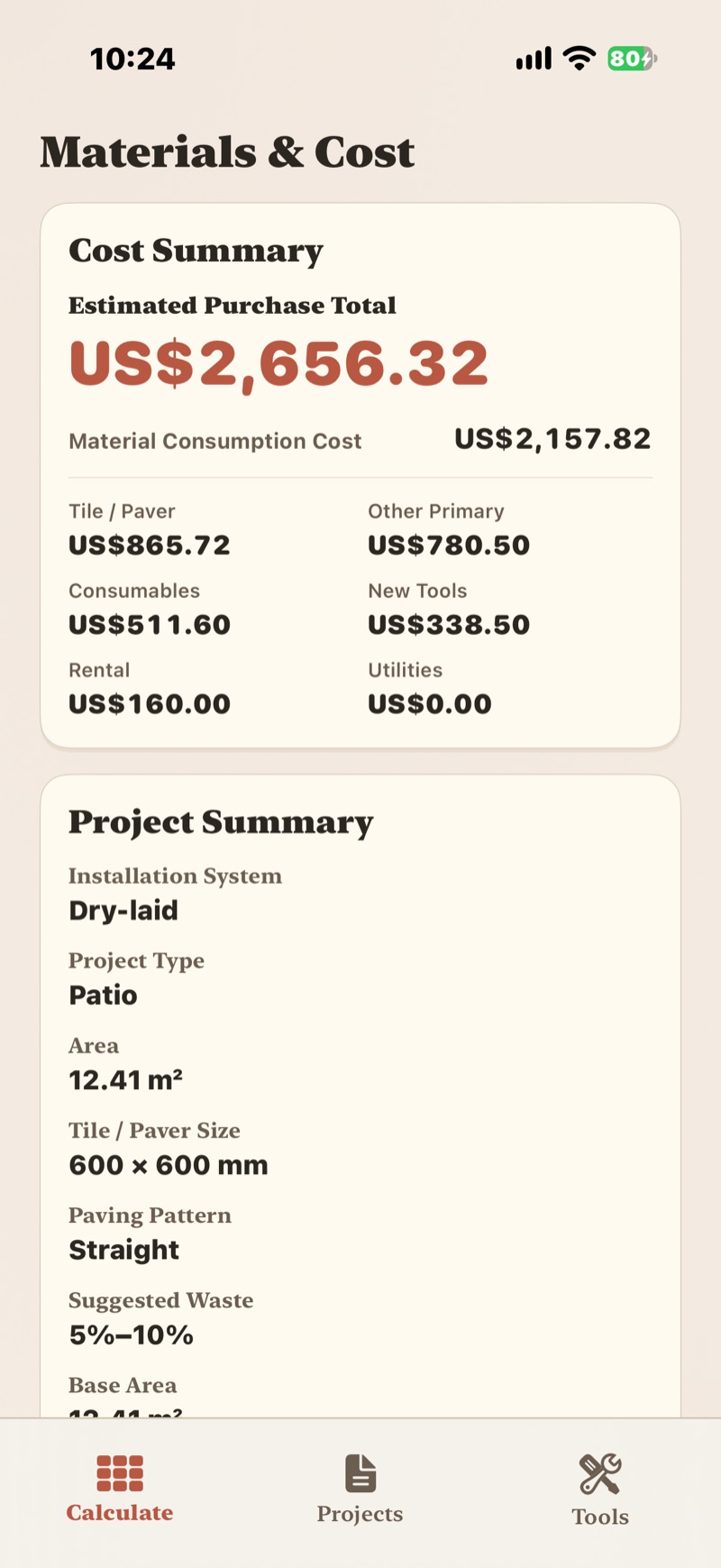
Different numbers, different jobs
The amount of material the job is expected to use. It depends on the area, installation choices and the product’s applicable coverage instructions.
The amount you actually buy. Bags, boxes and containers come in fixed sizes, so a purchase quantity may exceed the expected consumption.
The total also depends on unit prices and relevant categories such as consumables, tools or rentals. Check what is included and what is outside the estimate.
A practical review
Verify the tile product, dimensions, price basis and stated box coverage. Confirm whether prices are per tile, box, square metre or square foot before comparing them.
Use the specific manufacturer’s current coverage and installation instructions. Substrate, tile dimensions, application method and joint geometry can affect requirements. This guide does not prescribe a mix ratio or installation method.
Update prices for your location and purchasing date. Review transport, tools, consumables, rental periods and any applicable charges separately. Do not assume every estimate includes labour, delivery or tax.
Site preparation, product substitutions and unexpected conditions can change the work. Review the final scope and purchase list with the supplier or installer.
Work through the purchase reviewA little planning goes a long way
iPhone & iPad · iOS / iPadOS 26.0 or later.
Free download · Optional Pro subscription.
ScanRoom requires compatible LiDAR hardware.
Availability varies by region; unavailable in Mainland China.